



Lucky Hills Casino App: Download & Install on Mobile
Players searching for a Lucky Hills Casino app should know one thing up front: there is no traditional app in the Apple App Store or Google Play. Instead, Lucky Hills offers a Progressive Web App (PWA) — a fast shortcut added to the phone's home screen that opens and behaves like a native app. Experts consider this approach increasingly common in the sector because it sidesteps store restrictions while still delivering the full experience: all 4,600+ pokies, live tables and crash games, instant loading and a small footprint on the device. The sections below explain how to install it on iOS and Android, what works on mobile, and how deposits, withdrawals and login function on a phone.
How to Install the Lucky Hills App (iOS & Android)
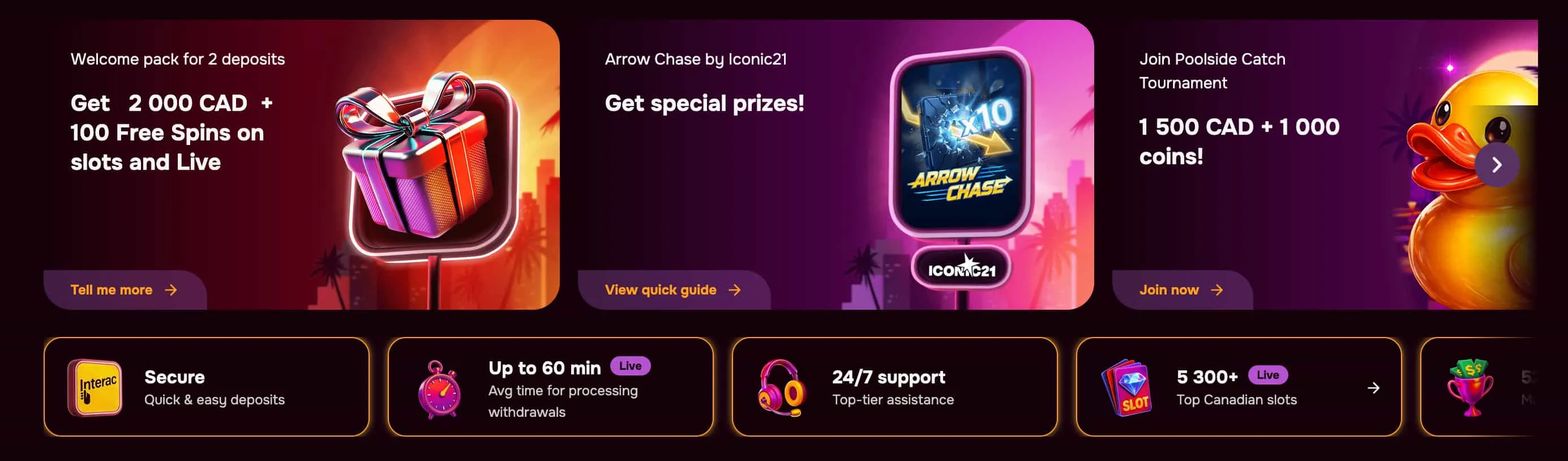
Installation differs slightly by operating system, but both routes take only a few taps through the phone's browser. No separate download or store account is needed.
Install on Android
- Open the Lucky Hills site in Chrome on the Android device.
- Tap the browser menu (the three-dot icon).
- Select Add to Home screen.
- Confirm, and the Lucky Hills shortcut icon appears on the home screen.
Install on iPhone (iOS)
- Open the Lucky Hills site in Safari on the iPhone.
- Tap the Share button at the bottom of the screen.
- Select Add to Home Screen.
- Confirm the name, and the app-style icon is saved to the home screen.
| Platform | Browser | Steps |
| Android | Chrome | Menu → Add to Home screen → Confirm |
| iPhone (iOS) | Safari | Share → Add to Home Screen → Confirm |
As an incentive, the casino has been known to credit 20 free spins for installing the PWA, granted automatically after signing in through the shortcut. Players should treat any such offer as subject to the standard 40x wagering terms.
Games & Features on Mobile
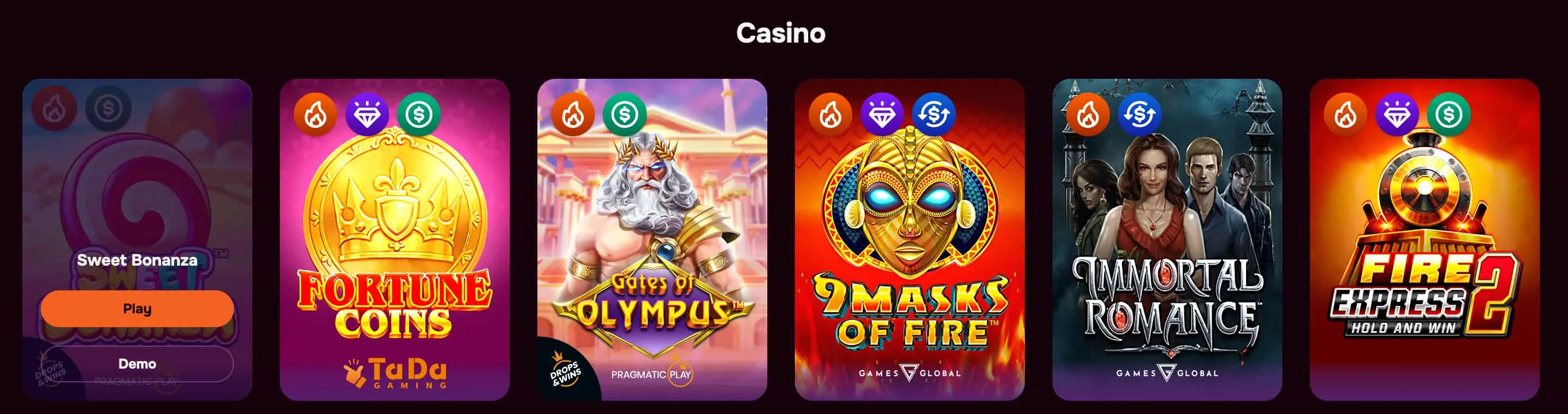
The mobile version mirrors the desktop site exactly — same account, same library, same balance. Players reach the full catalogue of more than 4,600 pokies, the live casino with real dealers, crash titles such as Aviator and Chicken Road, and the daily tournaments that feed the VIP programme. The interface is touch-optimised, so reels, bet sliders and live tables respond cleanly on a phone screen, and games load instantly through the PWA without the lag of a heavy native app.
Experts highlight that nothing is lost by playing on mobile: the welcome bonus, the Lucky Store and the loyalty levels all carry across, and progress made on a phone is reflected when logging in on desktop. For players who mainly game on the move, the PWA is effectively the primary way to use the casino.
Mobile Deposits, Withdrawals & Login
Logging in on mobile is the same as on desktop: open the shortcut, enter the registered email and password, and the account dashboard loads. Anyone who forgets their details can use the Forgot password option on the login screen to reset them. Mobile banking supports the convenient options players expect, including Apple Pay, Google Pay and cryptocurrency, alongside cards and e-wallets.
The full table of methods, limits and processing times lives on the main casino page; on mobile the practical point is that deposits are instant and withdrawals still require KYC to be cleared first. Verified players see the fastest mobile payouts, with e-wallet and crypto cashouts typically processed within 1–24 hours.
Device Compatibility & Performance
The Lucky Hills PWA runs on current iPhone and Android phones as well as tablets, working through Safari or Chrome without any installation from an app store. Because it is a web app, it uses minimal storage, never needs manual updates, and always loads the latest version of the site. Analysts note this also helps performance — faster load times and smoother play on mobile — which matters because the majority of Lucky Hills traffic, like the wider pokies market, is mobile-first.
Install Lucky Hills on Your Phone
Add the Lucky Hills shortcut to your home screen in seconds and play 4,600+ pokies anywhere. It works on both iOS and Android, with no app-store download required. Open to players aged 18 and over in Australia. T&Cs apply. Play responsibly.
Frequently Asked Questions
Does Lucky Hills have a real app?
There is no native Lucky Hills app in the Apple App Store or Google Play. The casino offers a Progressive Web App shortcut instead, which is added to the home screen and behaves like an app while running through the mobile browser.
How do I install Lucky Hills on iPhone?
Open the site in Safari, tap the Share button, then select Add to Home Screen and confirm. An app-style icon is saved to the home screen for instant access.
How do I log in to Lucky Hills on mobile?
Open the home-screen shortcut, enter the registered email and password, and the account dashboard loads. A Forgot password option on the login screen resets credentials if needed.
Can I deposit and withdraw from the app?
Yes. The mobile version supports the full range of banking, including Apple Pay, Google Pay, cards and cryptocurrency. Deposits are instant, while withdrawals require KYC to be completed first.